
 brothy
Zen mode
Only the text, centred: scroll or pages flow, spotlight, typewriter and teleprompter.
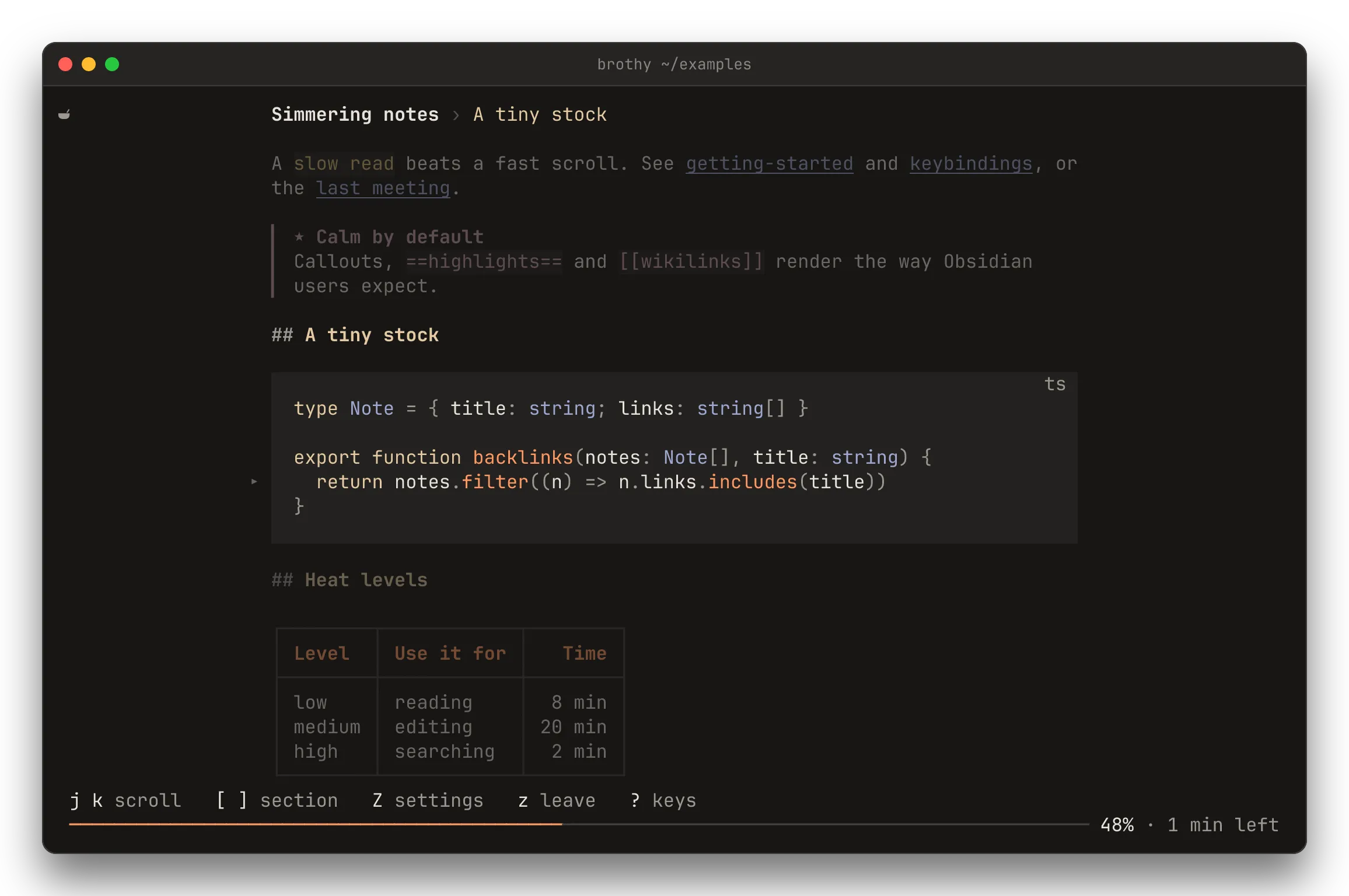
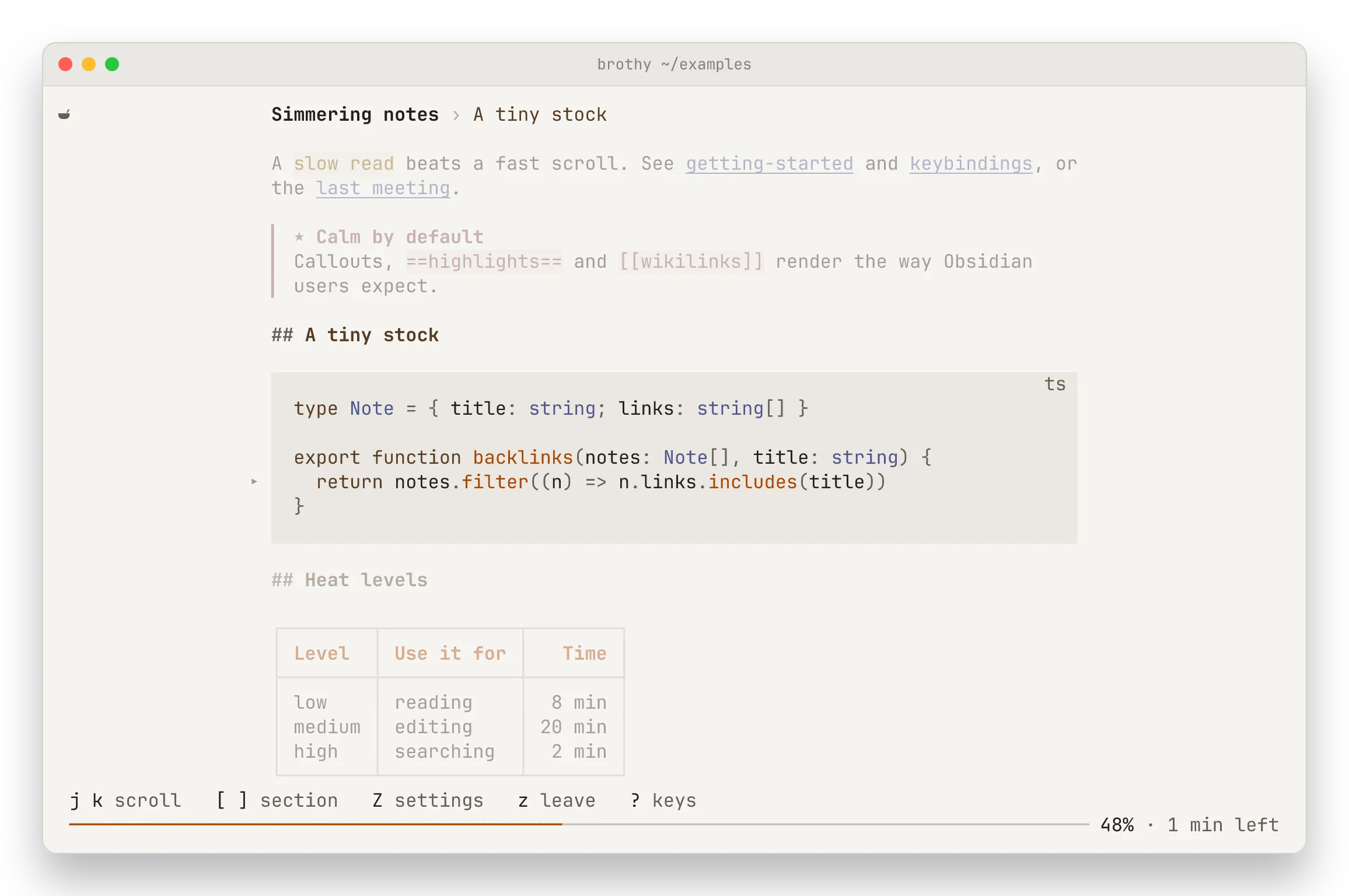
z enters zen: only the text, centred. esc leaves; s shows the normal Source view. Z opens the settings popup (↑ ↓ row, space toggle, ← → adjust, ⏎ save, esc revert). In zen, [ and ] move by section.
| Setting | Does |
|---|---|
| Flow | scroll, or pages: one section per page, short ones centred |
| Spotlight | dims the lines outside the section you are reading |
| Typewriter | keeps the reading line on the middle row |
| Ghost chrome | the top line and hints fade out after a moment |
| Teleprompter | space starts and pauses auto-scroll at the set words per minute |
| Measure | the text width in columns, or the whole pane |
Spotlight, typewriter and the teleprompter are for the scroll flow. While reading, < > make the text narrower or wider and + - change the teleprompter speed (saved at once). With an ai block, a glosses the section you are reading (a again: more or less of it, A asks again); from 140 columns the gloss sits in the right margin.
Zen always starts off; its settings are saved under zen in config.json.