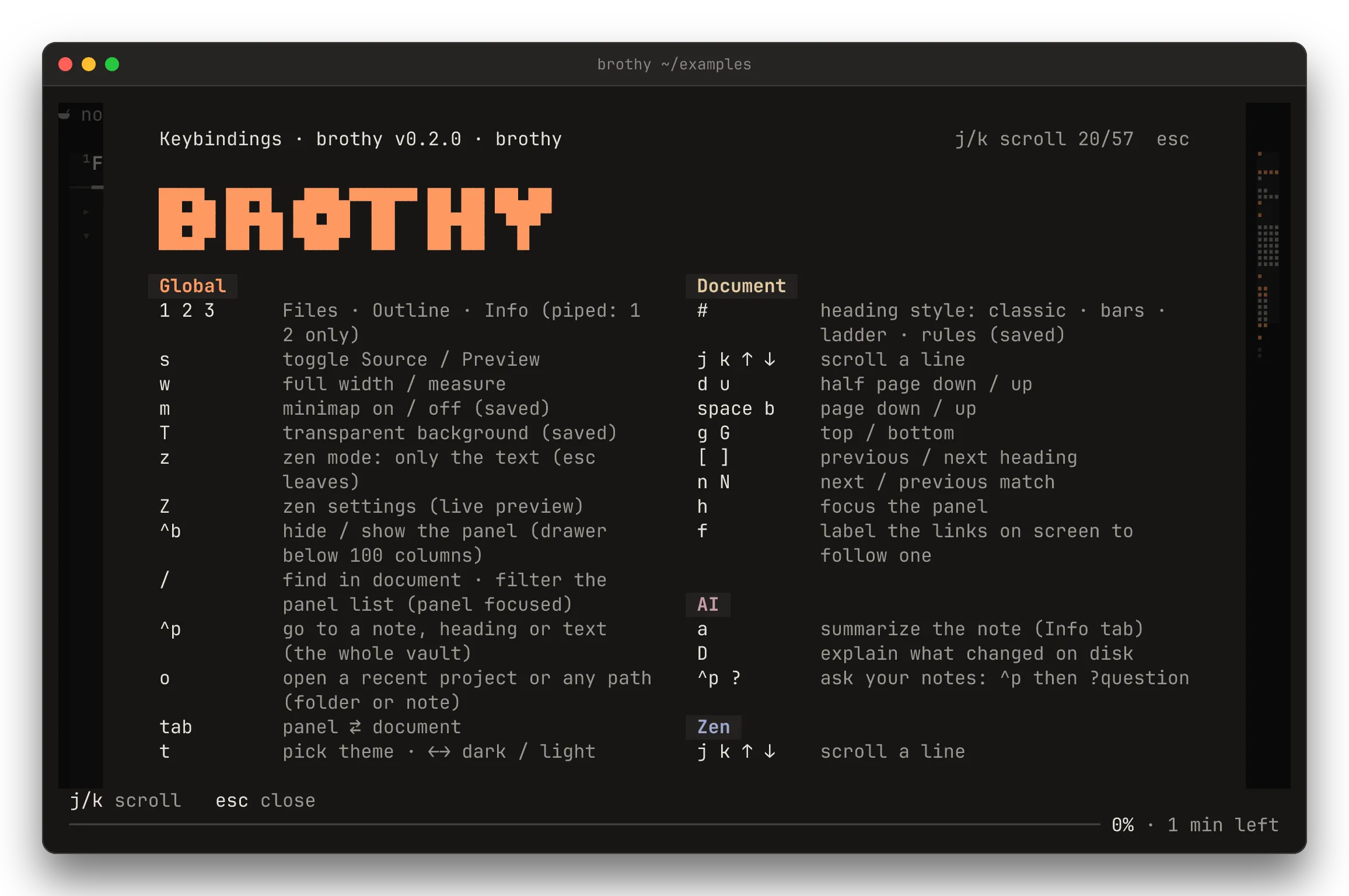
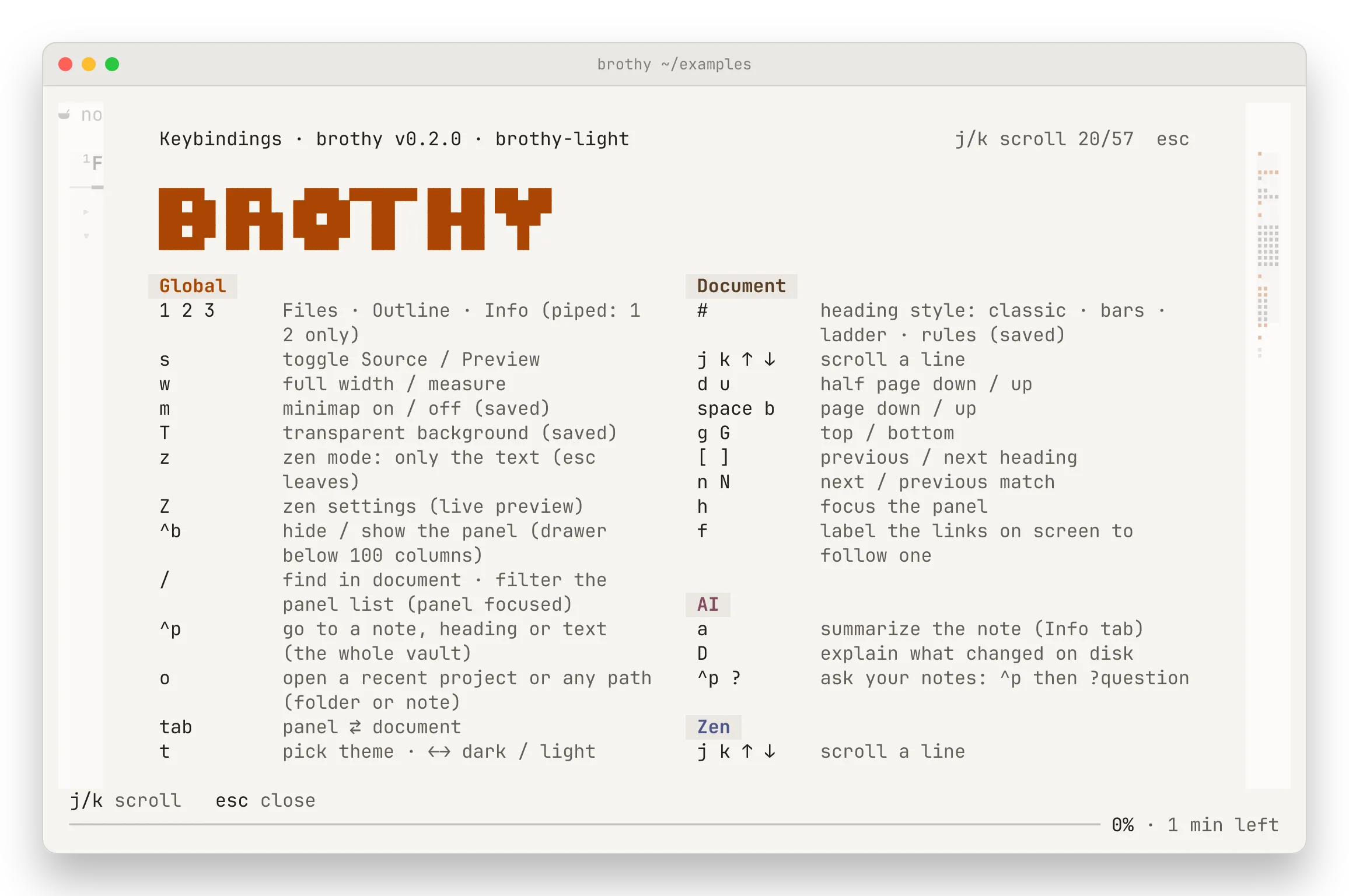
Press ? for the hints and ? again for every key in the app, grouped Global · Document · Zen · Panel · AI, in two columns from 100 columns (j k scroll, any other key closes).
| Key |
Action |
| ctrl+p |
go to a note, heading or text across the vault (↑ ↓ pick, tab next section, ⏎ open, esc close); empty: recent notes; start with ? to ask a question (AI) |
| o |
open another project: recent folders (newest first, fuzzy filter) or, for a query starting with / ~ ., any folder or note (tab completes, ⏎ opens) |
| t |
theme picker (type to filter, ↑ ↓ family, ← → / tab dark · light, ⏎ apply and save, a click on a specimen applies it, esc close) |
| T |
transparent background: the terminal’s own shows through; popups, the drawer and code blocks stay painted (saved) |
| H L |
back / forward through the notes opened |
| r |
rescan files, reload the note and re-read the ai block |
| ? |
hints; press twice for all keys |
| q |
quit |
| Key |
Action |
| j k ↑ ↓ |
move / scroll |
| d u · space b |
half page · full page |
| g G |
top · bottom |
| [ ] |
previous · next heading (zen: section; landed on a change: the previous · next change) |
| / |
filter notes (panel focused) · find in document (↑ ↓ pick a row, ⏎ apply, esc clear) |
| n N |
next · previous match |
| s |
toggle Source / Preview |
| f |
label the links on screen; type a label to open the note (and jump to its heading) · esc cancels |
| e |
edit the note in $VISUAL / $EDITOR (fallback vi) at the top line (details) |
| # |
heading style: classic · bars · ladder · rules (saved) |
| w |
full width / 80-column measure (saved) |
| m |
minimap on / off (saved; needs 110 columns) |
| esc |
per context: clear find / filter · hide a change’s footnote · hide the zen gloss · leave zen · close the drawer |
| Key |
Action |
| z |
zen mode: only the text, centred (esc leaves; s shows the normal Source view) |
| Z |
zen settings popup (↑ ↓ row, space toggle, ← → adjust, ⏎ save, esc revert) |
| < > · + - |
in zen: narrower / wider text · teleprompter faster / slower (saved at once) |
| Key |
Action |
| tab |
panel ⇄ document |
| 1 2 3 |
Files · Outline · Info view |
| h · l |
focus the panel · peek (Outline) / expand |
| - |
Files: tidy the tree (collapse all but the open note’s path) |
| ⏎ |
open, expand or jump (Info: open the link, go to the changed section, open the Proof sheet from the Changed label, or open + n more sections; j k move between them) |
| ctrl+b |
hide / show the panel (a drawer below 100 columns) |
These need an ai block in the config.
| Key |
Action |
| a |
summarize the note into the Info tab (a again cancels); in zen, gloss the section you are reading, a again shows more / less |
| A |
in zen: gloss the section again, replacing the cached one |
| D |
explain what changed on disk since the note was opened, in the Info tab (below 100 columns in the first change’s footnote; D again cancels, after a failure it retries; ⏎ on a changed section goes there) |

 brothy