
 brothy
Theme picker
Pick one of 42 themes on a dark | light board with a live sample note.
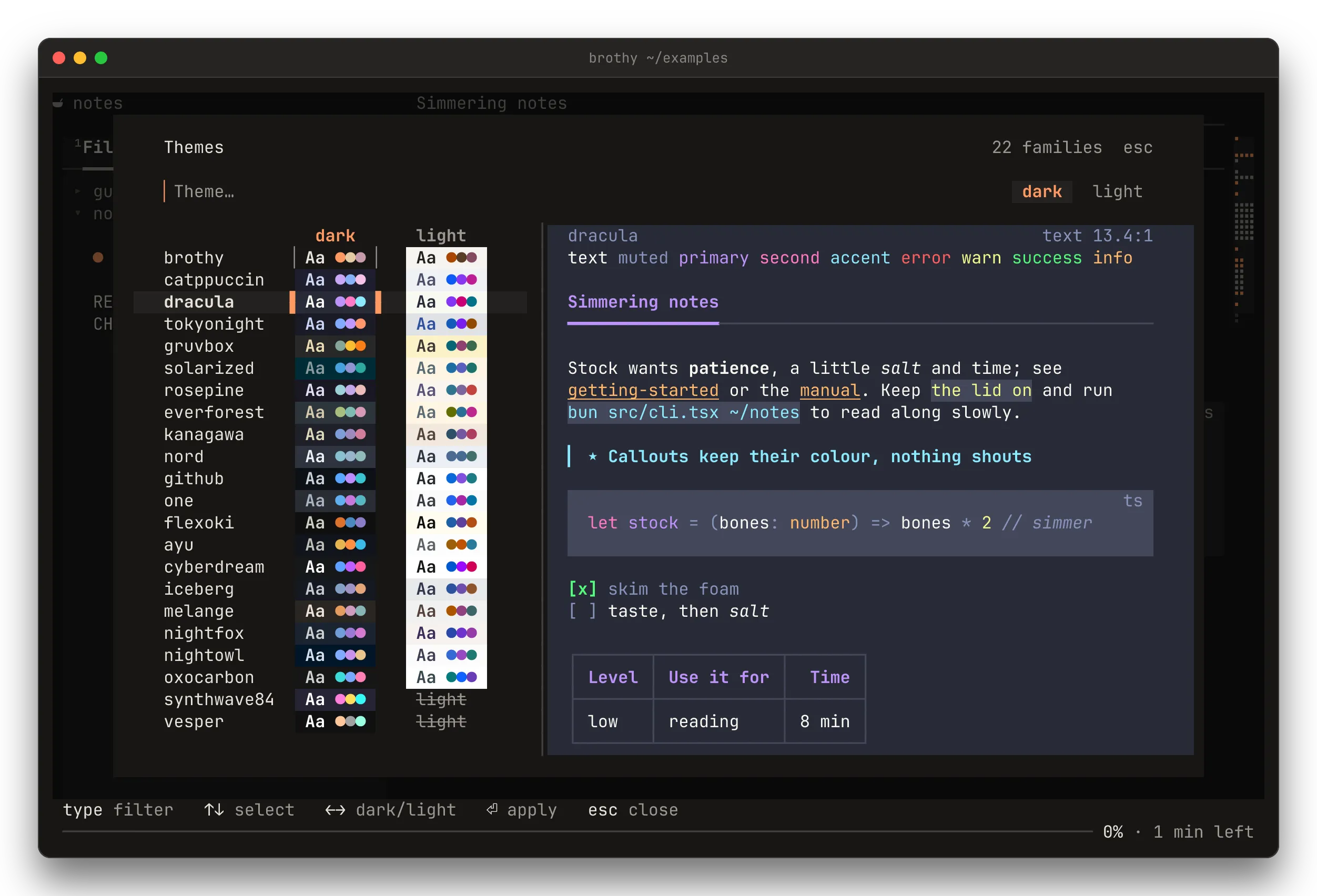
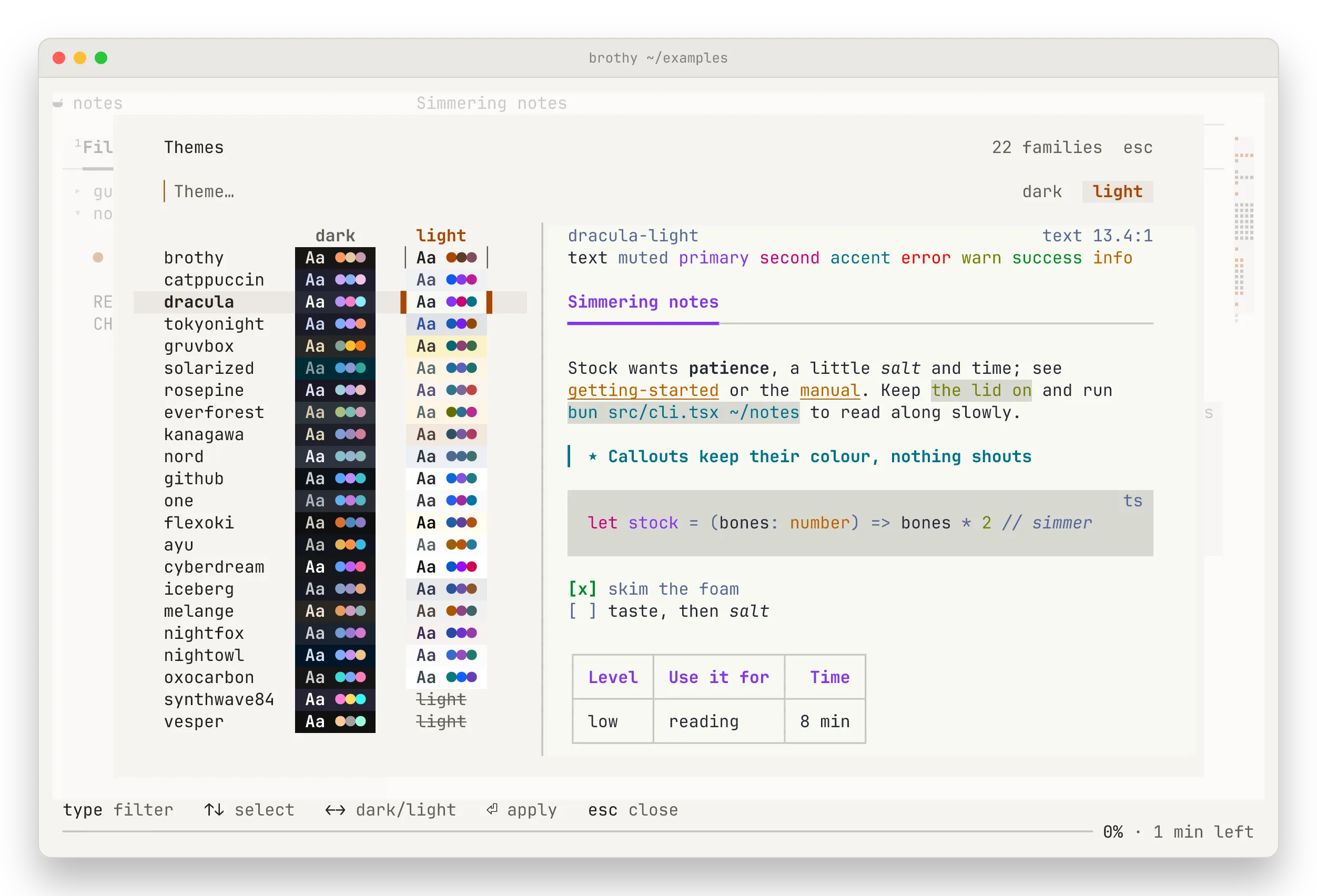
t opens a picker laid out as a board: one row per family with its dark and light specimens side by side (Aa and three accents, each on that theme’s own background; a dark-only family’s light is struck through).
- Type to filter.
- ↑ ↓ picks the family and ← → (or tab) the mode. The cursor frames the theme being previewed and the theme in use keeps a thin frame.
- From 100 columns a pane shows a sample note (marks, links, code, a callout, tasks, a table) in the highlighted theme.
- The app keeps its theme while you look. ⏎ applies it and saves it to
config.json; esc closes with nothing changed. A click on a specimen applies that theme.
The choice is always explicit: brothy does not follow the terminal’s colors.
On the command line
Section titled “On the command line”brothy -t dracula picks a theme for one run. A family name opens its dark theme (-t one is one-dark), or its only one. --theme wins over the theme in the config for that run.
Transparent background
Section titled “Transparent background”T (or --transparent) lets the terminal’s own background show through. Popups, the drawer and code blocks stay painted.
Contrast
Section titled “Contrast”Every palette is checked: text, muted text and accents reach 4.5:1 or better on the page background, and 3:1 or better on code blocks.