brothy
Navigating notes
The panel, the ctrl+p switcher, projects, link labels, history and the welcome page.
The panel
Section titled “The panel”Files, Outline and Info (1 2 3) with a fuzzy filter, folder counts and a reading marker. tab moves between panel and document, ctrl+b hides or shows the panel (a drawer below 100 columns).
The switcher
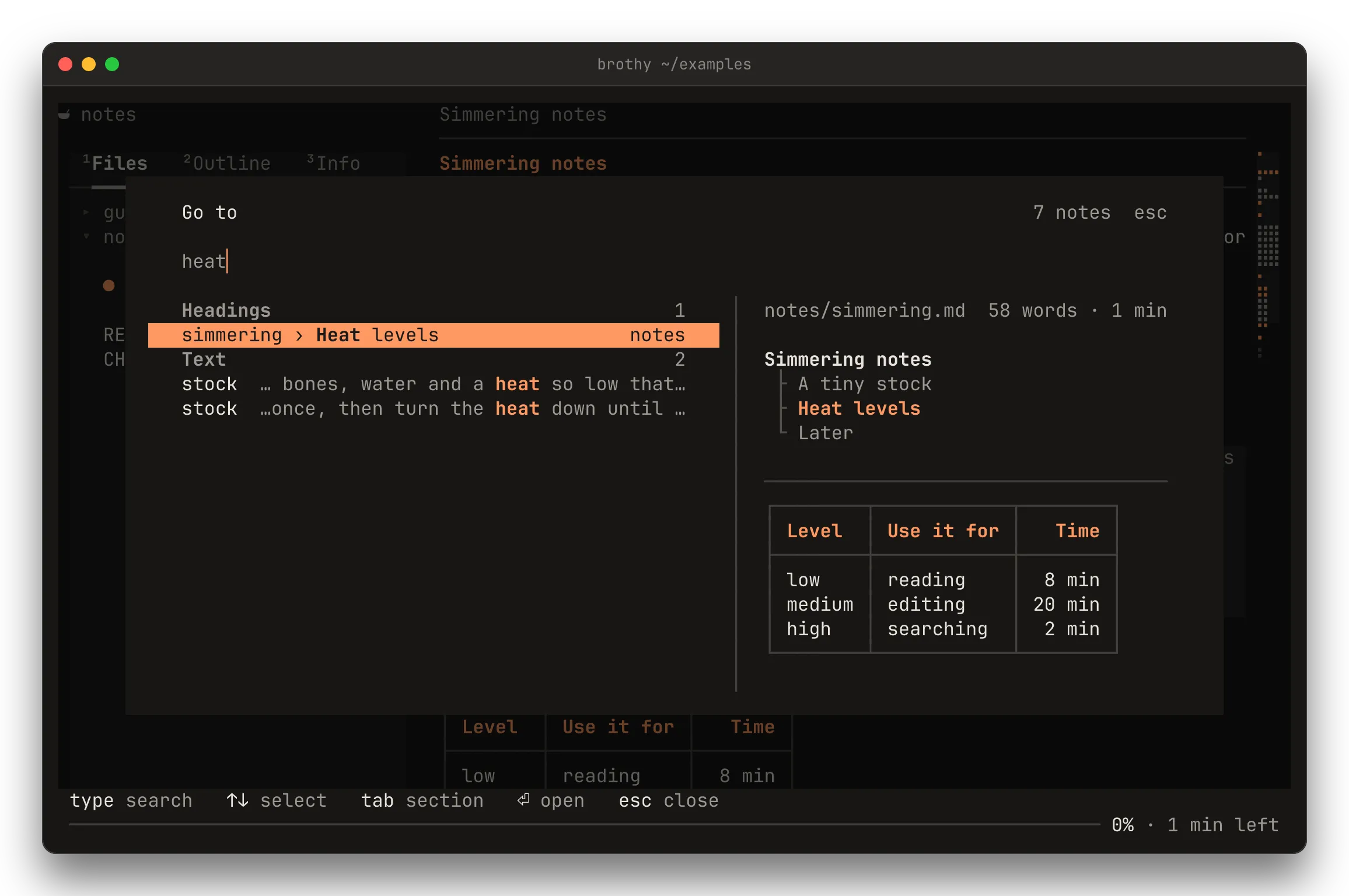
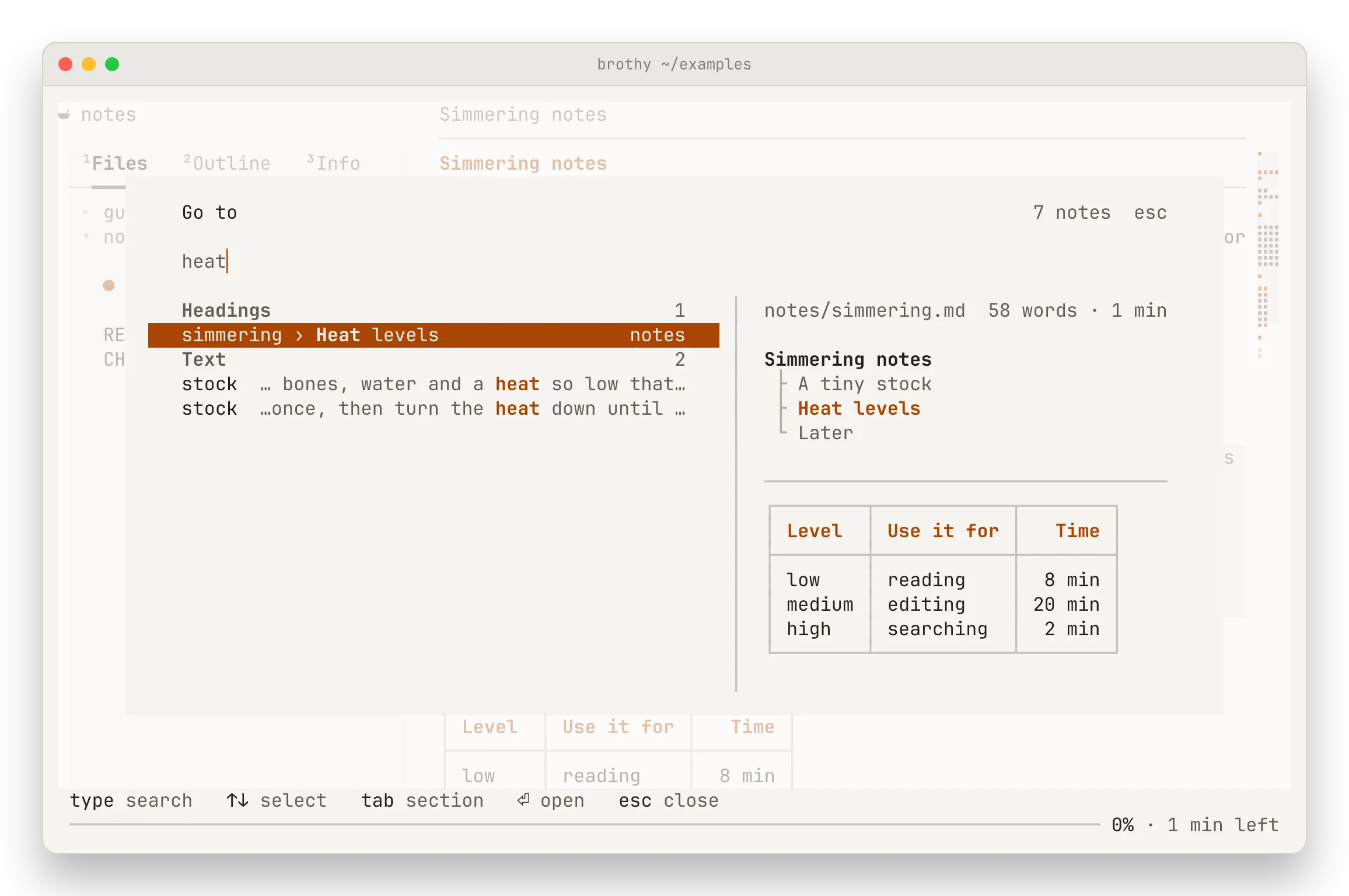
Section titled “The switcher”ctrl+p goes to a note, heading or text across the whole vault (↑ ↓ pick, tab next section, ⏎ open, esc close). Empty, it lists recent notes. From 100 columns a peek pane shows the highlighted note: its path and length, its outline around the hit, its TL;DR when one is cached and still fresh, and its first lines. The pane never sends a request, and only the part shown is rendered, so a note of several MB peeks quickly.
A query that starts with ? asks your vault a question.
Projects
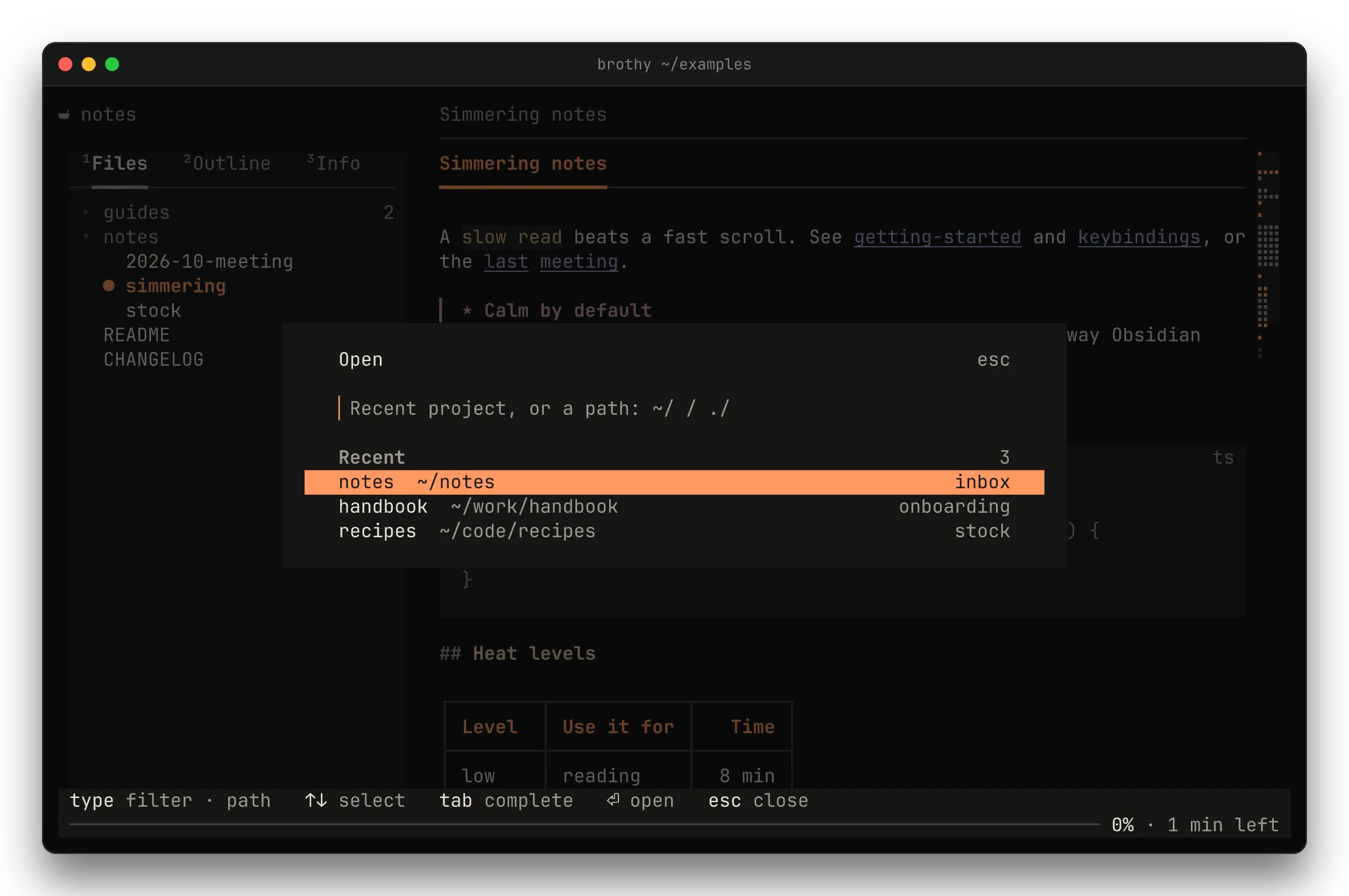
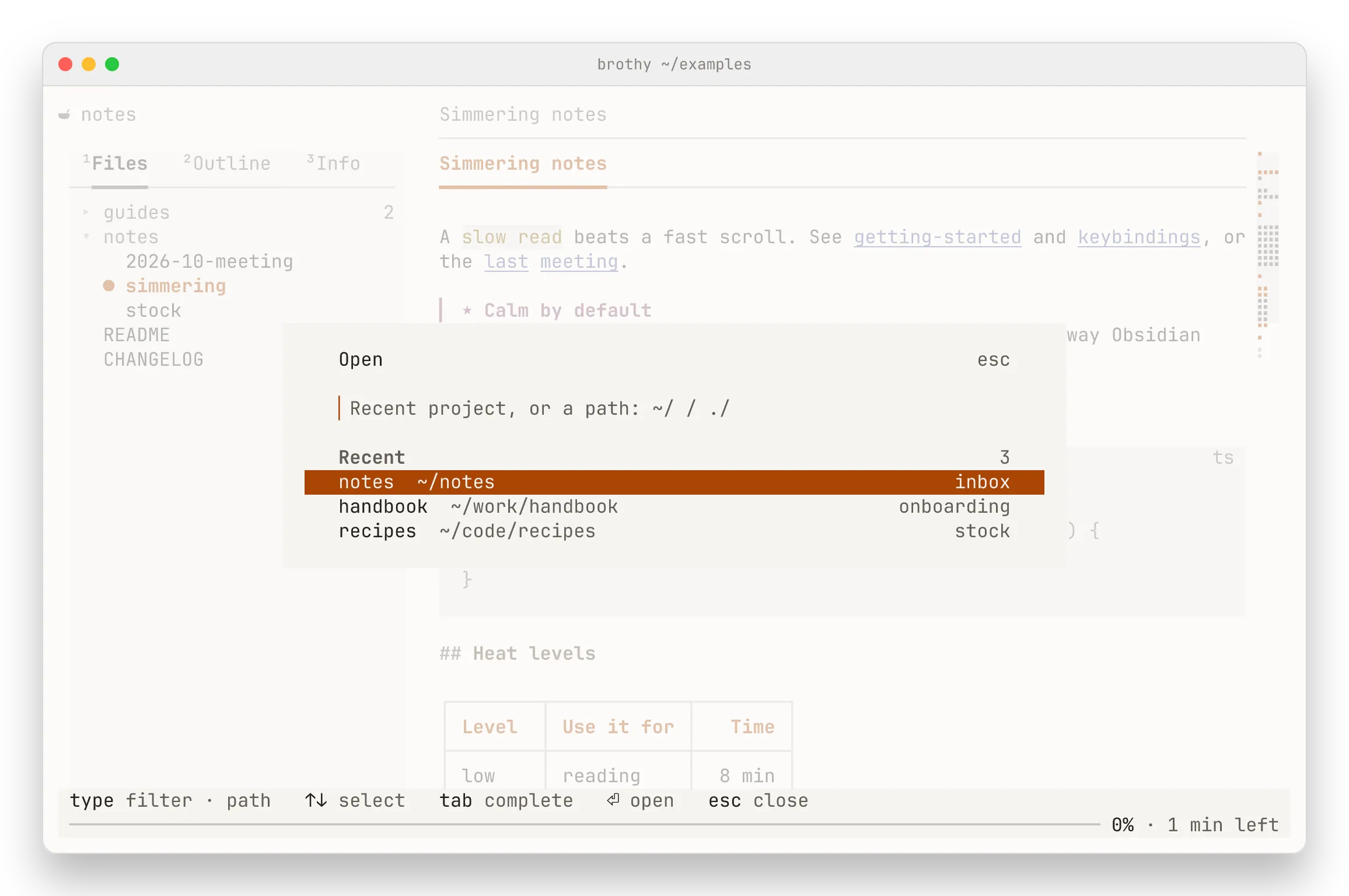
Section titled “Projects”o opens another project: recent folders (newest first, fuzzy filter) or, for a query starting with /, ~ or ., any folder or note. tab completes and ⏎ opens: a folder as the workspace, a note on its own, a recent project at the note and line it was left at. See Recent projects.
Links and history
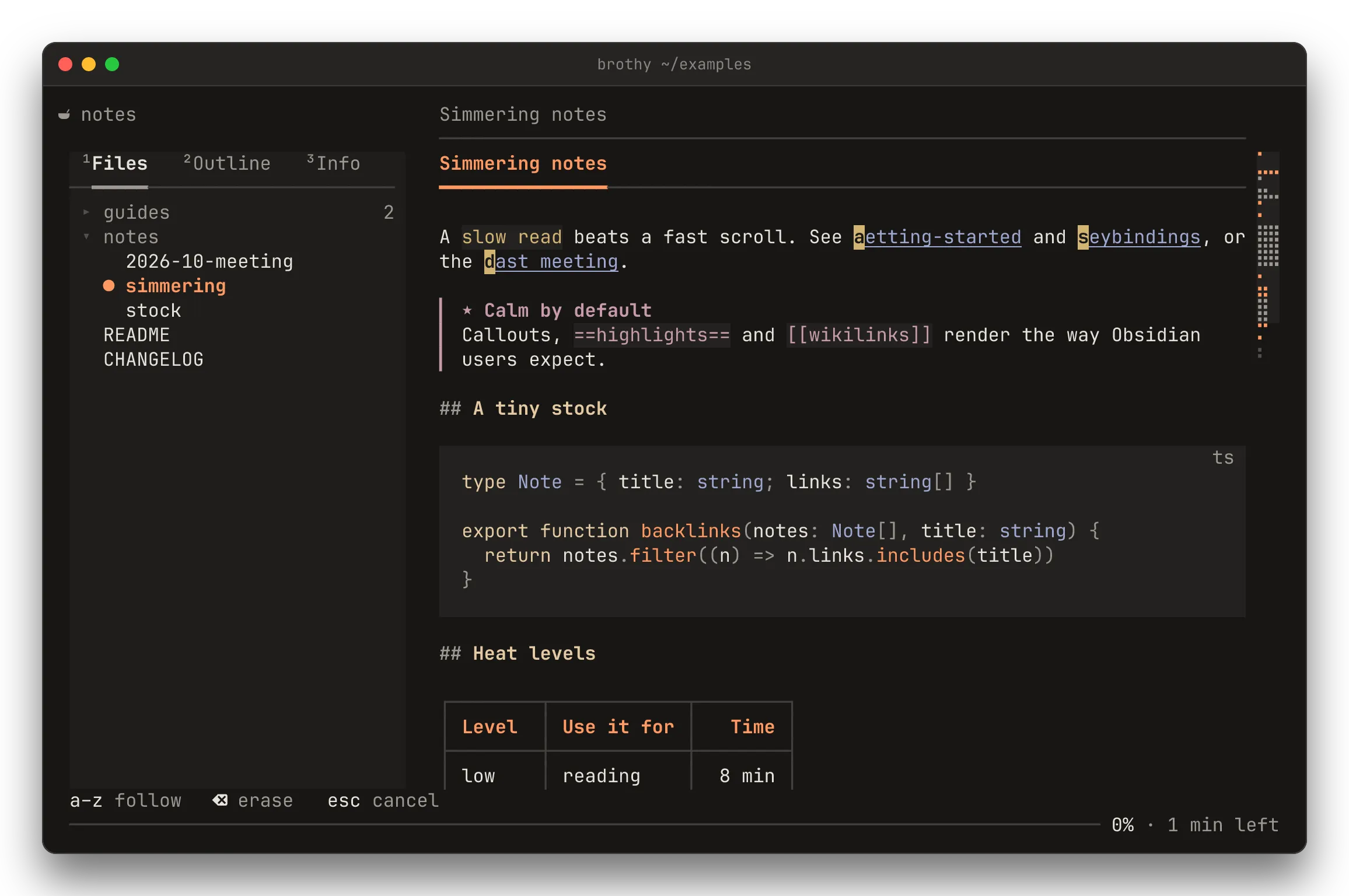
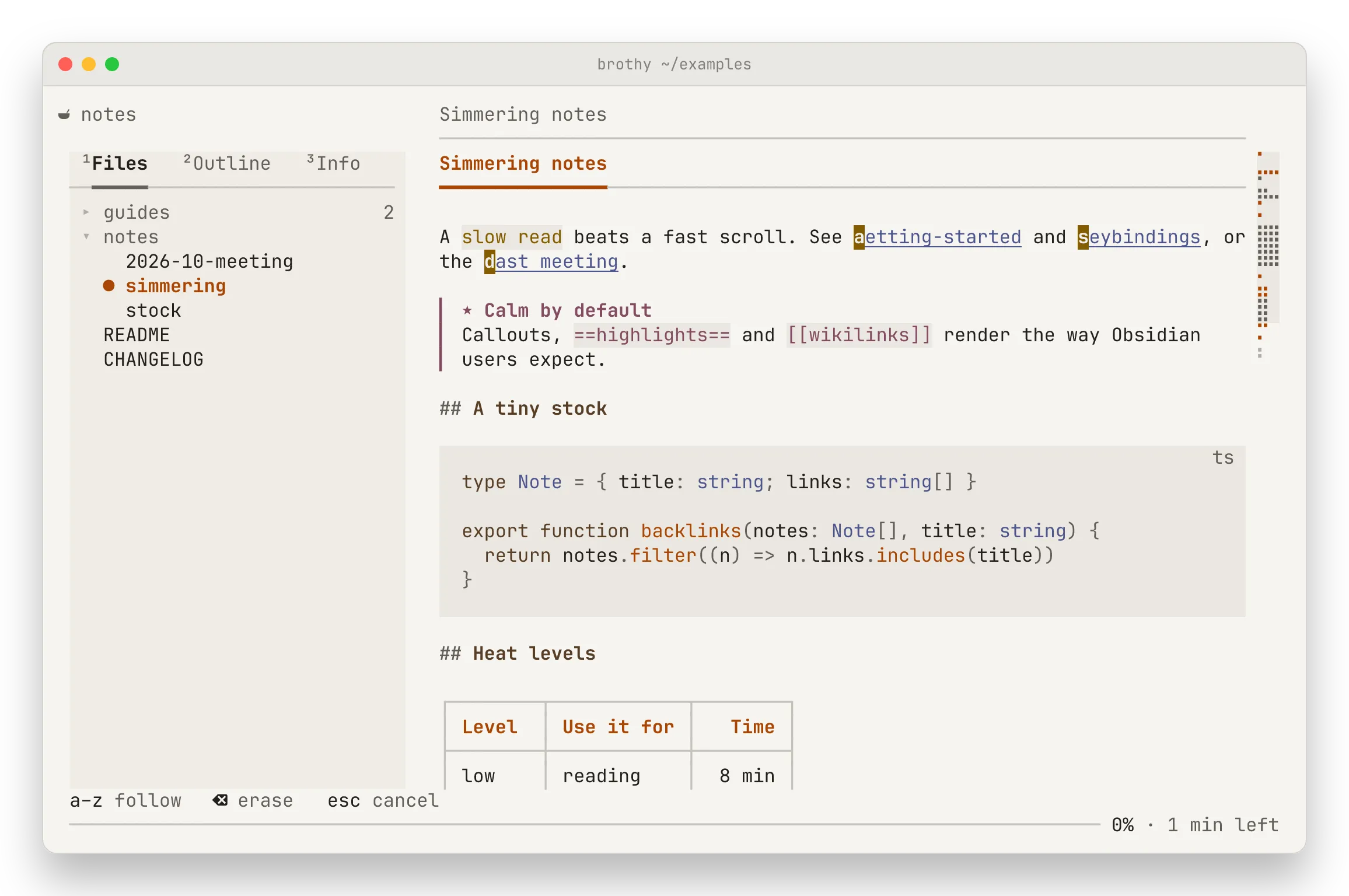
Section titled “Links and history”f labels the links on screen; type a label to open the note (and jump to its heading), esc cancels. H and L go back and forward through the notes you opened.
The welcome page
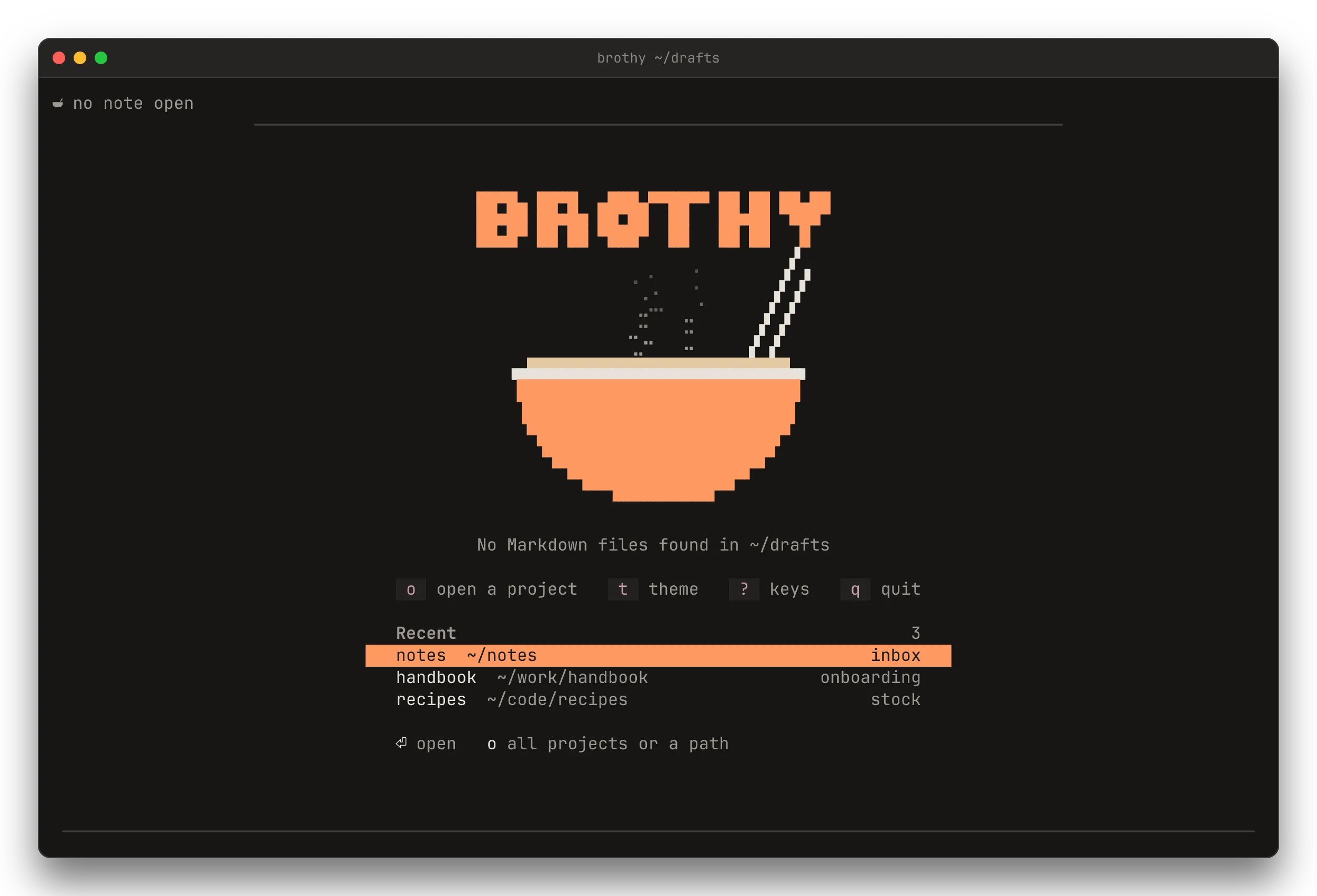
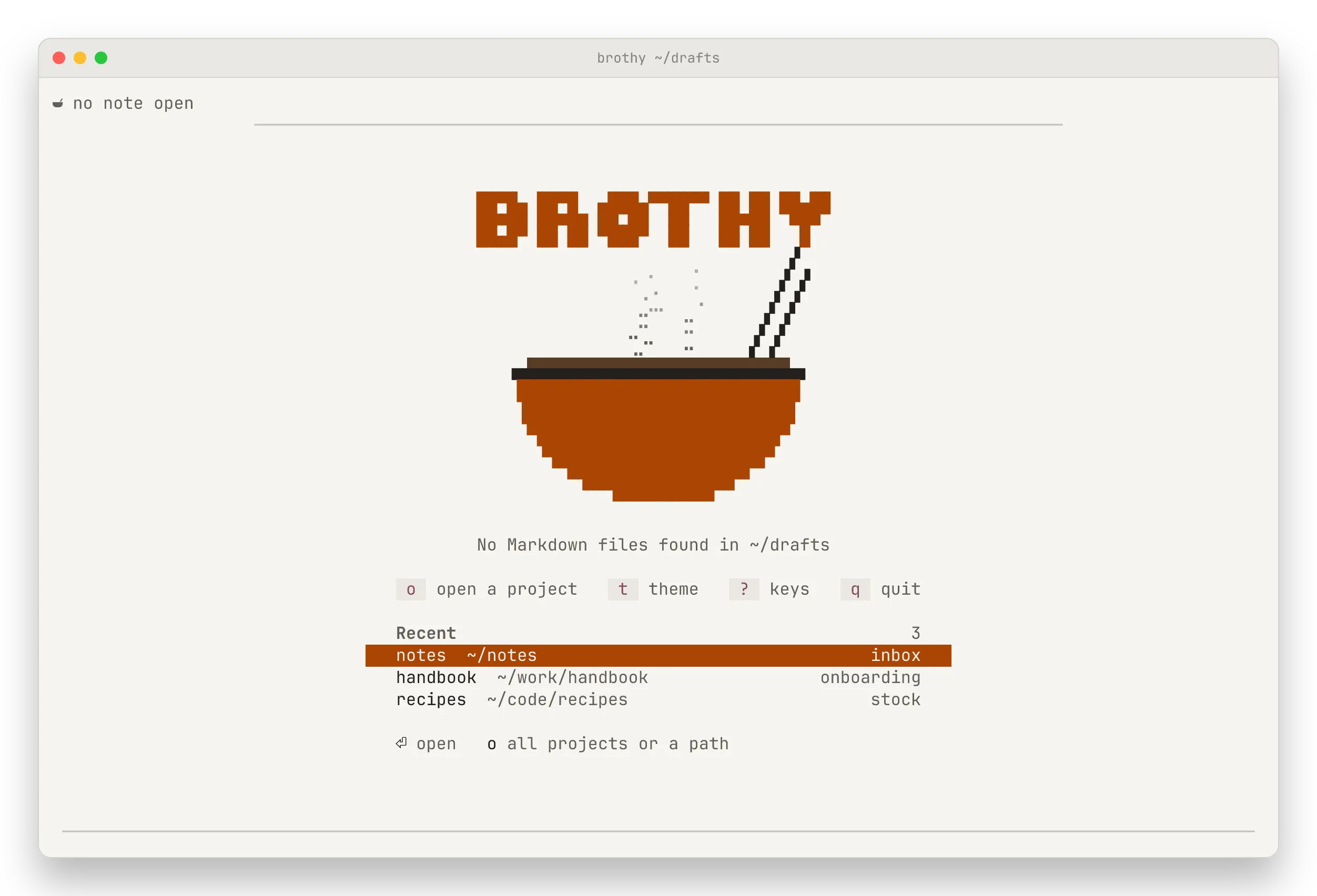
Section titled “The welcome page”With no note open (a folder with no Markdown, say) brothy shows the wordmark over a bowl of broth with rising steam, the keys to start (o t ? q) and your recent projects (↑ ↓ ⏎ or a click opens one). The steam stops on any key or a resize. The panel, a, s, w, z and Z keys wait for a note.