
 brothy
Zen gloss
Press a in zen to get a one- or two-sentence gloss of the section you are reading.
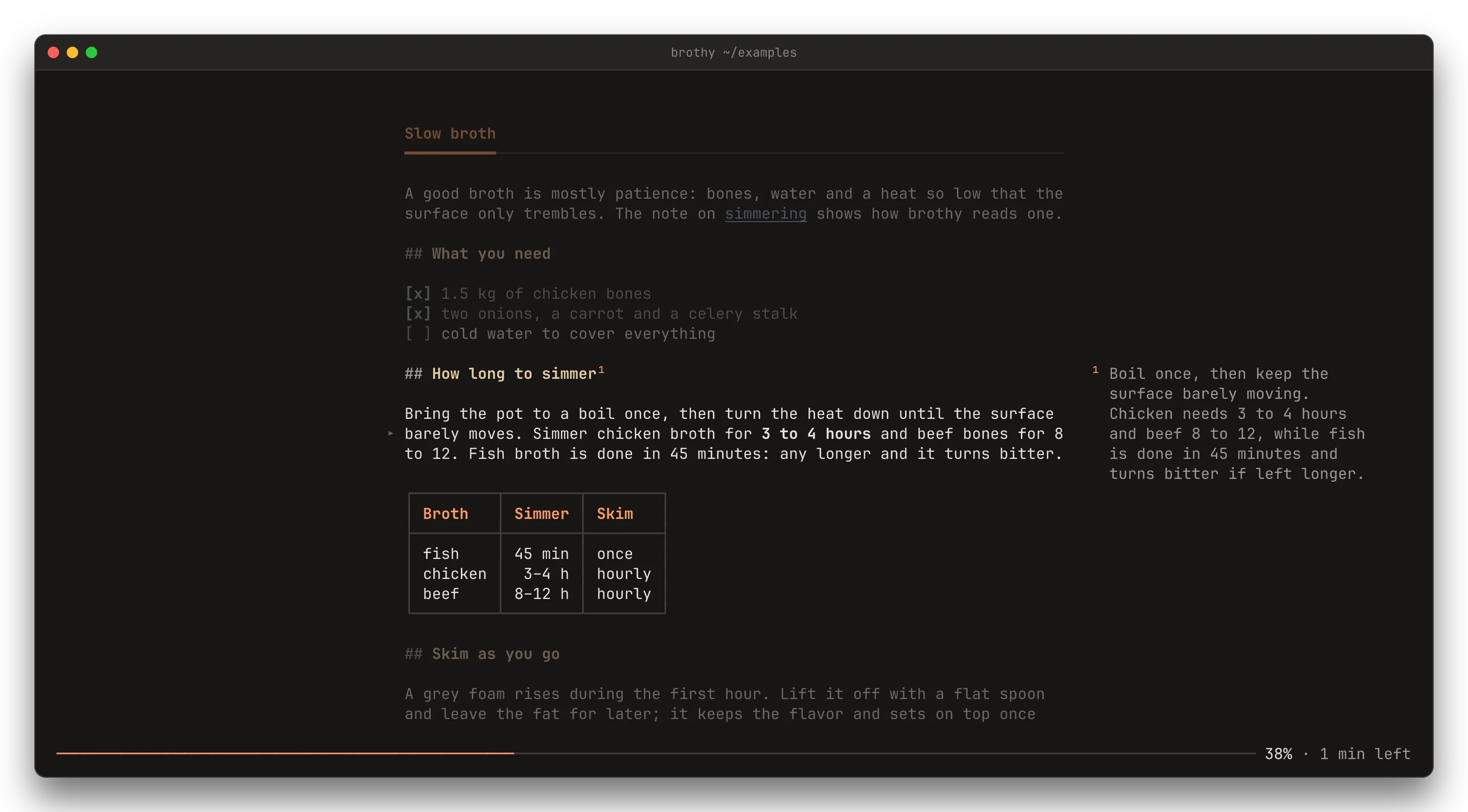
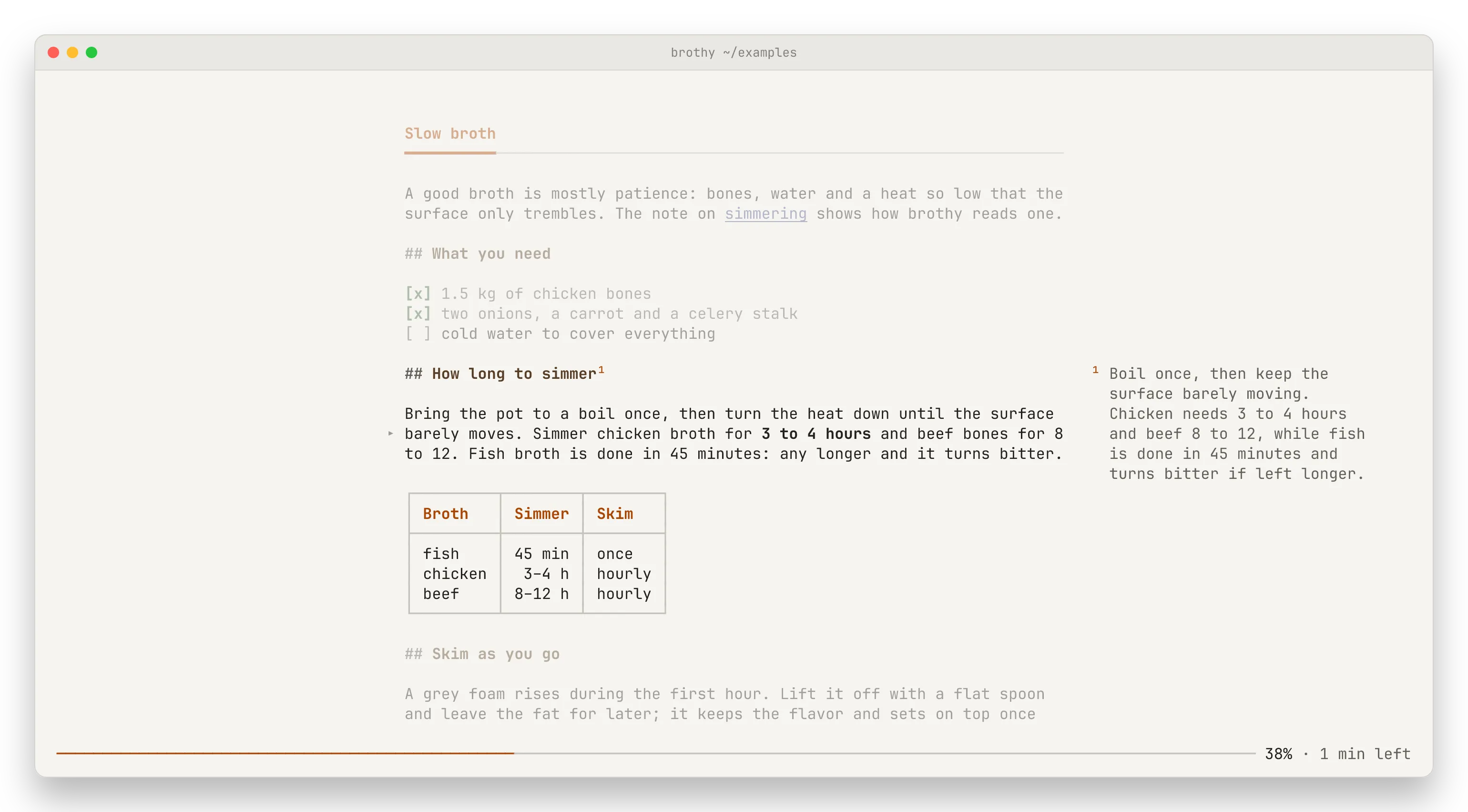
In zen, a explains the section under the reading line in one or two plain sentences, as a footnote over the bottom rows of the text: a short rule, then ¹ and the gloss, with a ¹ after the section’s heading. Nothing is inserted into the document. The note fades when the reading line leaves the section.
- From 140 columns (at the default measure) the note sits in the right margin beside its heading instead, with the other sections on screen that have a gloss, dimmed and numbered
¹ ² ³by row. - While the model works the rule says
asking <model> · 3 s · a cancel. - A gloss already made shows by itself when you stay in its section for a moment (skimming with ] stays quiet), without a request.
- One made before the section changed is dimmed with
edited since · a refresh; a asks for a new one. - a on a gloss on screen shows more of a long one (
a more/a less); A asks again. - A reply longer than 400 characters keeps its finished sentences.
- esc hides the note (the next esc leaves zen); a while it is loading cancels.
- Glosses are cached in
~/.cache/brothy/glosses.json; a piped document’s are not.
The style is ai.gloss: "explain" (default), "simplify" or "translate:<tag>" (translate:pl, translate:pt-BR); anything else falls back to explain.
"ai": { "provider": "ollama", "model": "llama3.2", "gloss": "translate:pl" }