
 brothy
TL;DR
Press a to stream a short summary of the note into the Info tab.
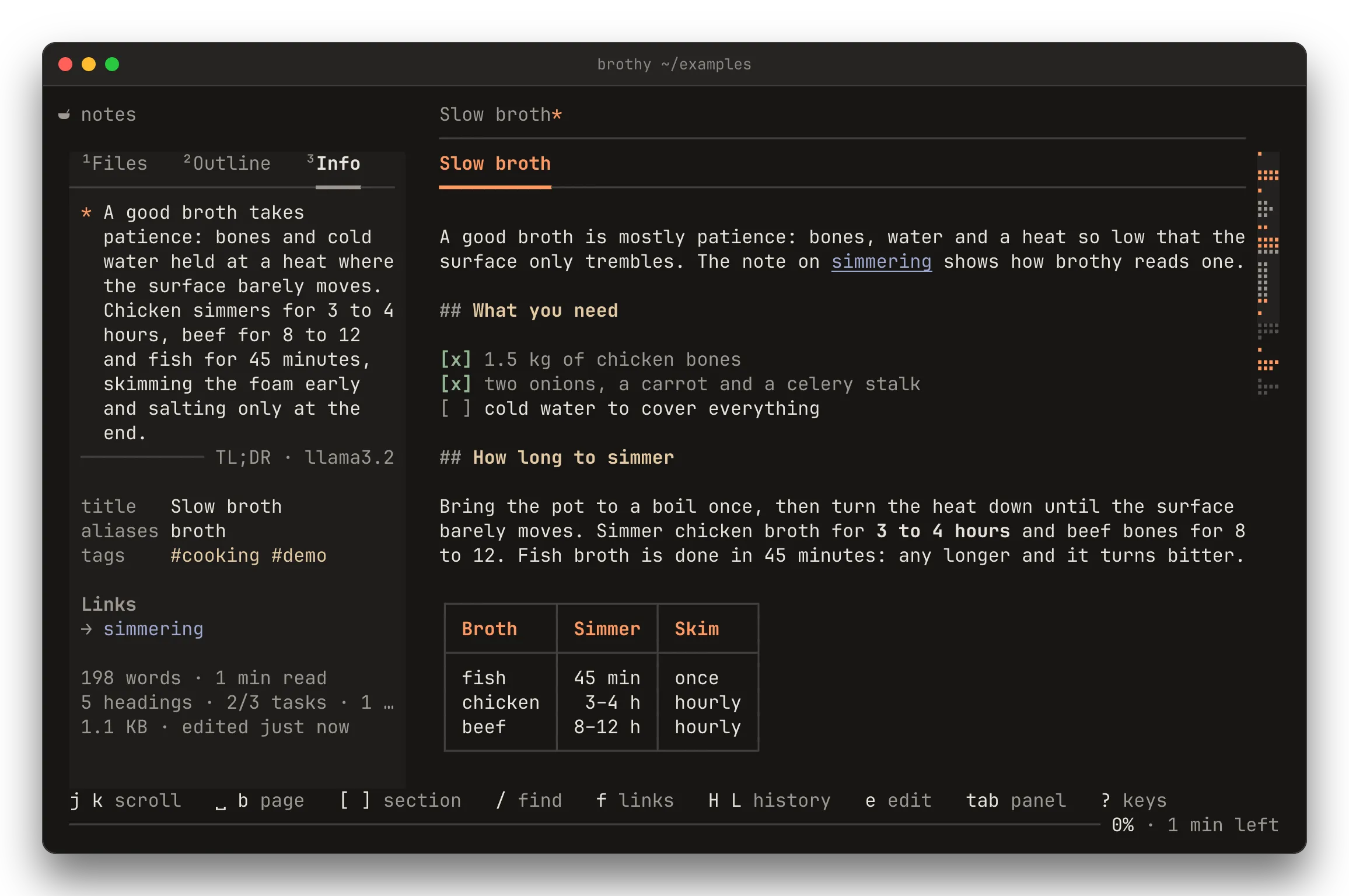
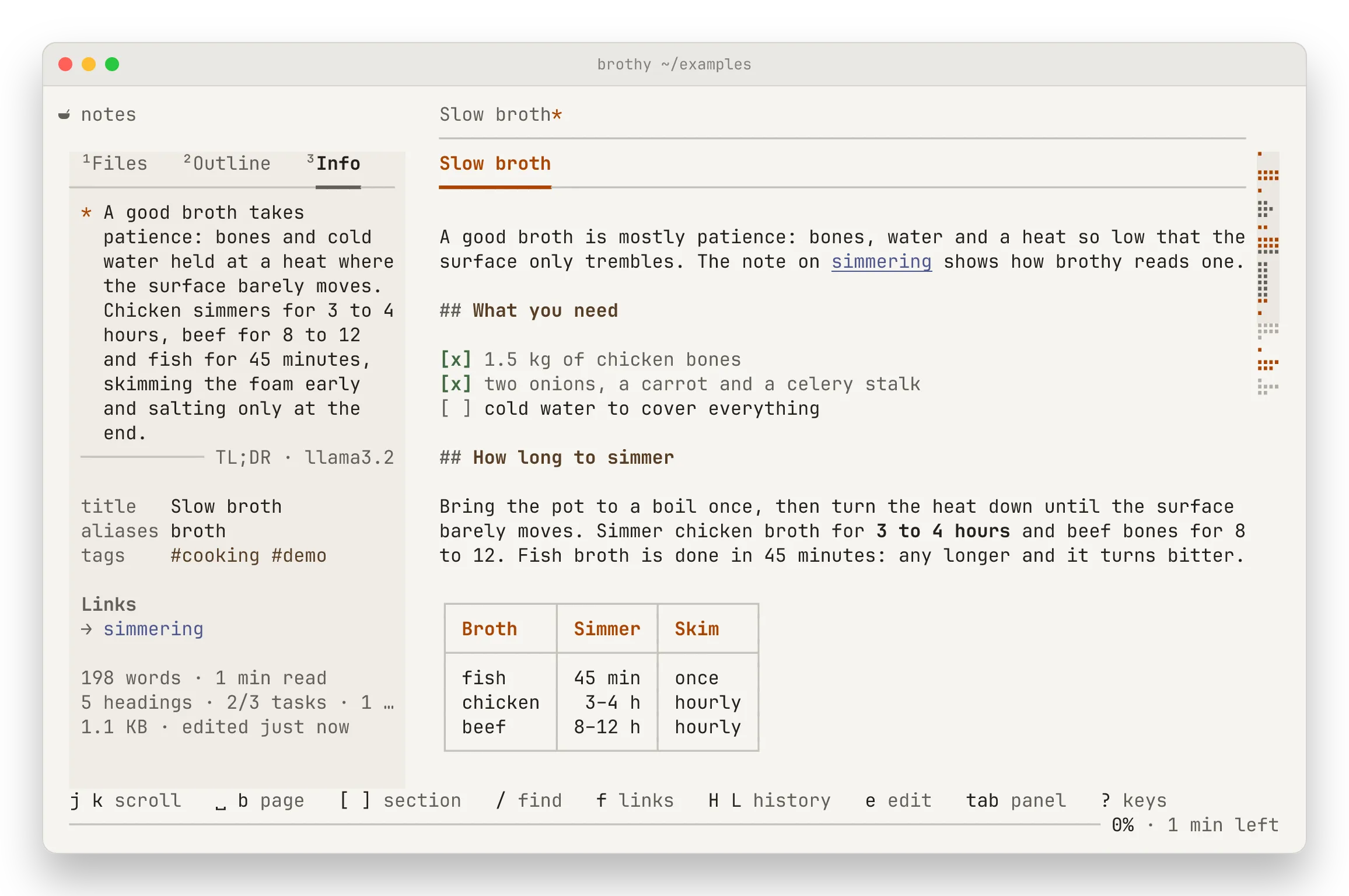
a sends the current note (body without front matter and %%comments%%, cut to maxChars); the 2–3 sentence summary streams in at the top of the Info tab as a footnote: *, the text, and a rule signed TL;DR · <model>.
- Up to 14 rows show; a longer one ends
⏎ more, and ⏎ on its rule shows the rest (⏎ again folds it). - While the model works the block says
asking <model> · 3 s; an older summary stays dimmed under it until the first words arrive. - Summaries are cached and shown again for free.
- One made before the note changed is dimmed with
edited since · a refresh. - A failed request leaves its error in the block with
a retry(and in the toast) until you retry, open another note, edit the note or press r. - A
*after the title in the top line says the note has a TL;DR (muted when it is outdated); the document footer offersa summarizeuntil it is fresh. - One that lands while Info is out of sight says
TL;DR ready · 3 to read, or names its note when you have moved on. - One request per note; a on a running note cancels it.
- Without an
aiblock, a saysAI off · set "ai" in config.json. - For a piped document the summary lasts for the run and is not cached.
The ctrl+p peek pane shows a fresh cached TL;DR without sending anything.